




Copy DVDs without losing quality
If you have a collection of DVD films and you want to copy them to other disks to preserve them, it is usual to use ripping applications with which we will obtain files that occupy a lot less, with the consequent loss of quality. Plato DVD Copy is an application that will allow us to make these copies without loosing a shred of quality from the audio or the video.
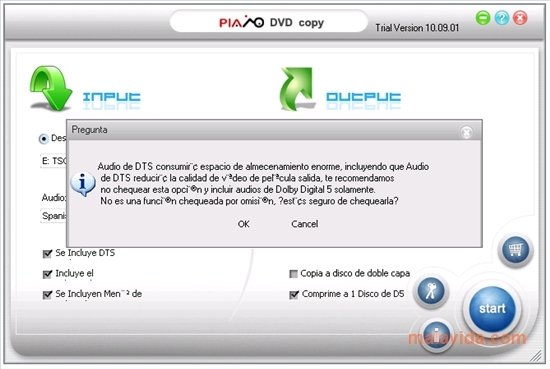
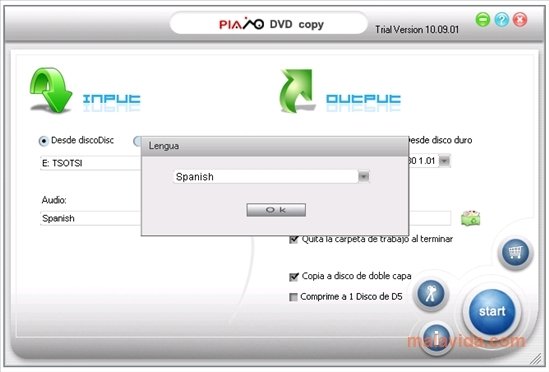
The interface is divided into two big areas, the part where we indicate where the DVD that we want to copy is (we will be able to choose between a DVD or a Windows folder) and the one where we can choose the configuration of the file that we will obtain. Among the available options, we will be able to save a copy of the file or directly save it to a DVD whether a 4.5 GB or 9 GB disk.
Logically it is possible to eliminate or include contents in the copy we are going to make. Like the DTS audio, the subtitles or the menus and extras.
Thanks to applications like Plato DVD Copy, it is a lot easier to make backups of our DVDs without loosing quality, which does happen with DivX or XviD files.
Requirements and additional information:
 Leticia Sorivella
My name is Leticia. I really like movies, television, and music. That is why I studied Audiovisual Communication. In the beginning, I wanted to work in movies, but I ended up on television. Then, I went from being behind the cameras to being in...

Antony Peel